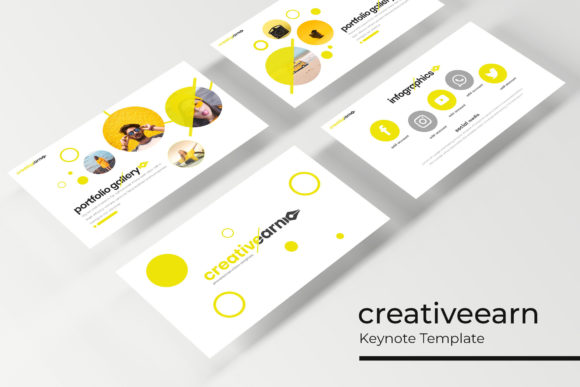
Streamline Your Next Big Presentation with Creativeearn
We have all been there: staring at a blank Keynote slide with a looming deadline, trying to force a generic template to match our brand's unique vibe. It is a frustrating waste of time, and the result often looks disjointed or unprofessional. If you are tired of fighting with your presentation software, it might be time to switch to a tool designed for actual creative work. The Creativeearn Keynote Template is built specifically for designers, marketers, and entrepreneurs who need to create stunning decks without starting from scratch every single time.
What immediately stands out about this package is the sheer volume of content without the clutter. You are getting over 150 total slides, but they are organized intelligently. The system is based on five premade color themes, with 30 distinct slides dedicated to each variation. This structure solves a common problem: maintaining brand consistency. Instead of a mishmash of styles, you get a cohesive visual language where every chart, text block, and image placeholder feels like it belongs to the same family. Whether you are pitching to investors, presenting a portfolio, or teaching a workshop, the visual consistency here helps build trust with your audience before you even speak.
Designed for Real-World Workflow and Speed
For small business owners and content creators, time is the most valuable asset. The Creativeearn template respects that by utilizing a master slide system that is actually functional. It is not just about pre-set layouts; it is about the drag-and-drop functionality that makes editing painless. The graphics are fully resizable and editable, meaning you can adjust the vector elements to fit your specific data or aesthetic without pixelation. This is particularly useful for agencies or freelancers juggling multiple clients. You can take the "Brand Identity" section for one client and the "Financial Overview" slides for another, customizing them in minutes rather than hours.
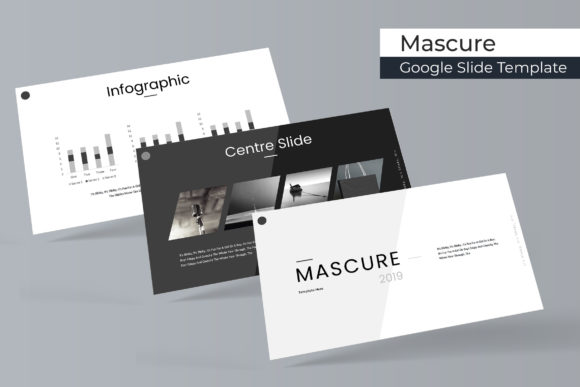
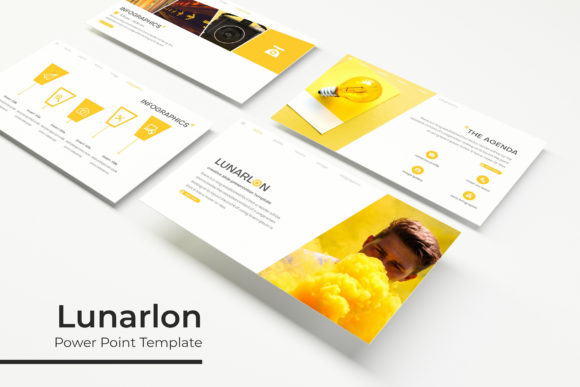
One of the standout features is the inclusion of handcrafted infographics. We have all seen tired, clip-art style charts that make a presentation look dated. Here, the infographics are modern and clean, designed to make complex data digestible. If you are a marketer explaining conversion rates or a startup founder breaking down market share, these visuals do the heavy lifting. Plus, the inclusion of section break slides and dedicated gallery layouts makes it easy to breathe between topics. You can showcase high-resolution photography or portfolio pieces using the picture placeholders, which are designed to be pixel-perfect once you drop your images in.
From Pitch Decks to Brand Guidelines
Think about the various ways you communicate visually. It is not just the weekly team meeting. You might be creating a visual brand guide for a new client, compiling a lookbook for your merchandise, or designing an editorial layout for a digital magazine. The versatility of this Keynote template allows it to function as a multi-purpose design asset. Because the aesthetic is clean and modern—leaning heavily on typography and layout rather than flashy animations—it works for serious corporate environments just as well as it does for creative agencies.
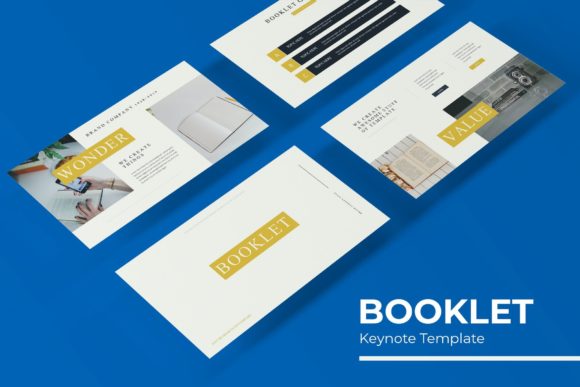
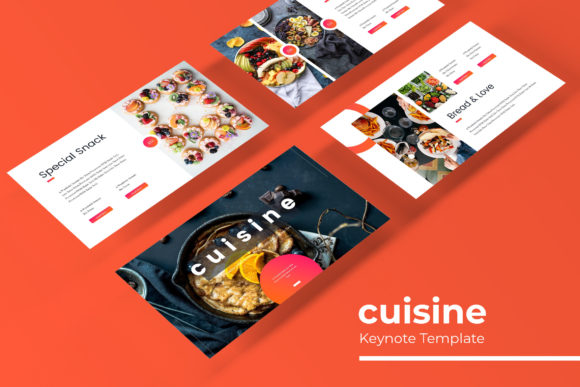
Consider the "Portfolio" and "Gallery" slides. For photographers, interior designers, or crafters, visual proof is everything. These sections are built to let the work speak for itself. The layout options are spacious, avoiding the cramped feeling of many standard templates. You can easily swap out the placeholder images to create a mood board for a branding project or a visual roadmap for a product launch. It turns a standard presentation software into a lightweight publishing tool.
Practical Advice for Customization
When you download a premium asset like this, the first step is often overlooked: preparation. Before you open the file, have your brand assets ready. Hex codes for your primary and secondary colors, your logo in high-resolution format, and your preferred typography are essential. The template comes with a recommended "Readme" file and font links included, which is a huge help. Using the suggested free fonts ensures the layout looks exactly as intended, but don't be afraid to swap them out if your brand has strict typography guidelines.
However, a word of caution on font pairing. If you decide to use your own typefaces, pay attention to the hierarchy established in the template. The designers have already balanced the headline weights with the body text for readability. If you swap a heavy serif headline for a light sans-serif, you may need to adjust the size or spacing (leading) to maintain that visual punch. Test your typography on a projector or a mobile device if possible; what looks good on your laptop screen might disappear in a large conference room.
Maximizing Your Investment
Since the package includes five separate KEY files—one for each color theme—you have a built-in system for variety. If you are a content creator who hosts weekly webinars, you could dedicate one color theme to "Q&A sessions" and another to "Tutorials." This creates a subliminal cue for your audience, helping them immediately recognize the context of the presentation. It is a subtle branding tactic that makes you look incredibly organized and professional.
Remember that while the template provides the structure, the content is on you. Avoid the temptation to fill every slide with text. Use the "Section Break" slides to pause and reset the audience's attention. Use the "Feature" slides to highlight a single, powerful statistic. The design is there to support your message, not replace it. By leveraging the handcrafted infographics and the clean layouts, you allow your ideas to resonate more clearly, whether you are closing a sale or teaching a concept.
Ultimately, the goal of any design asset is to remove friction from the creative process. The Creativeearn Keynote Template does exactly that by providing a robust, visually appealing foundation that adapts to various professional needs. It bridges the gap between a generic, free template and the cost of hiring a designer for every single slide deck. For anyone serious about their visual communication, it is a toolkit that pays for itself in saved time and elevated presentation quality.